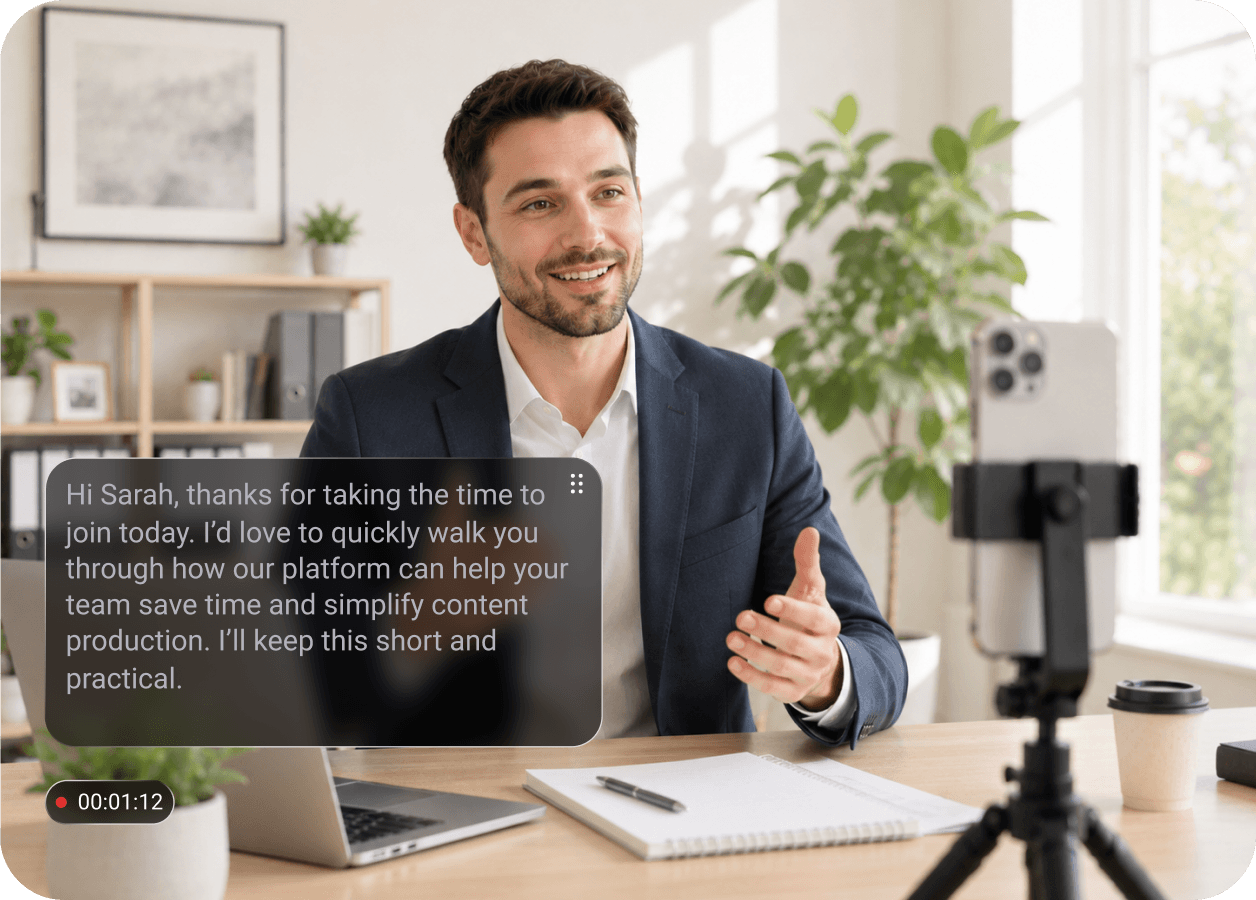
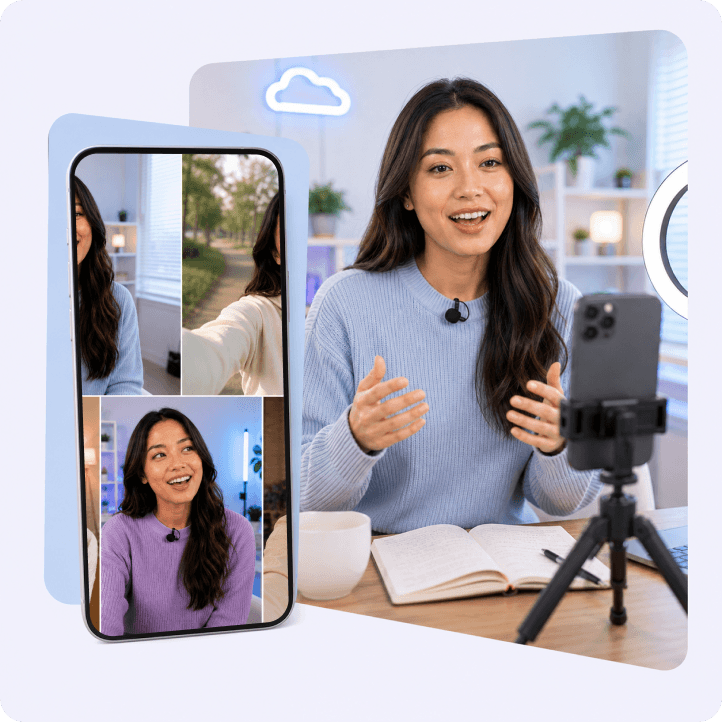
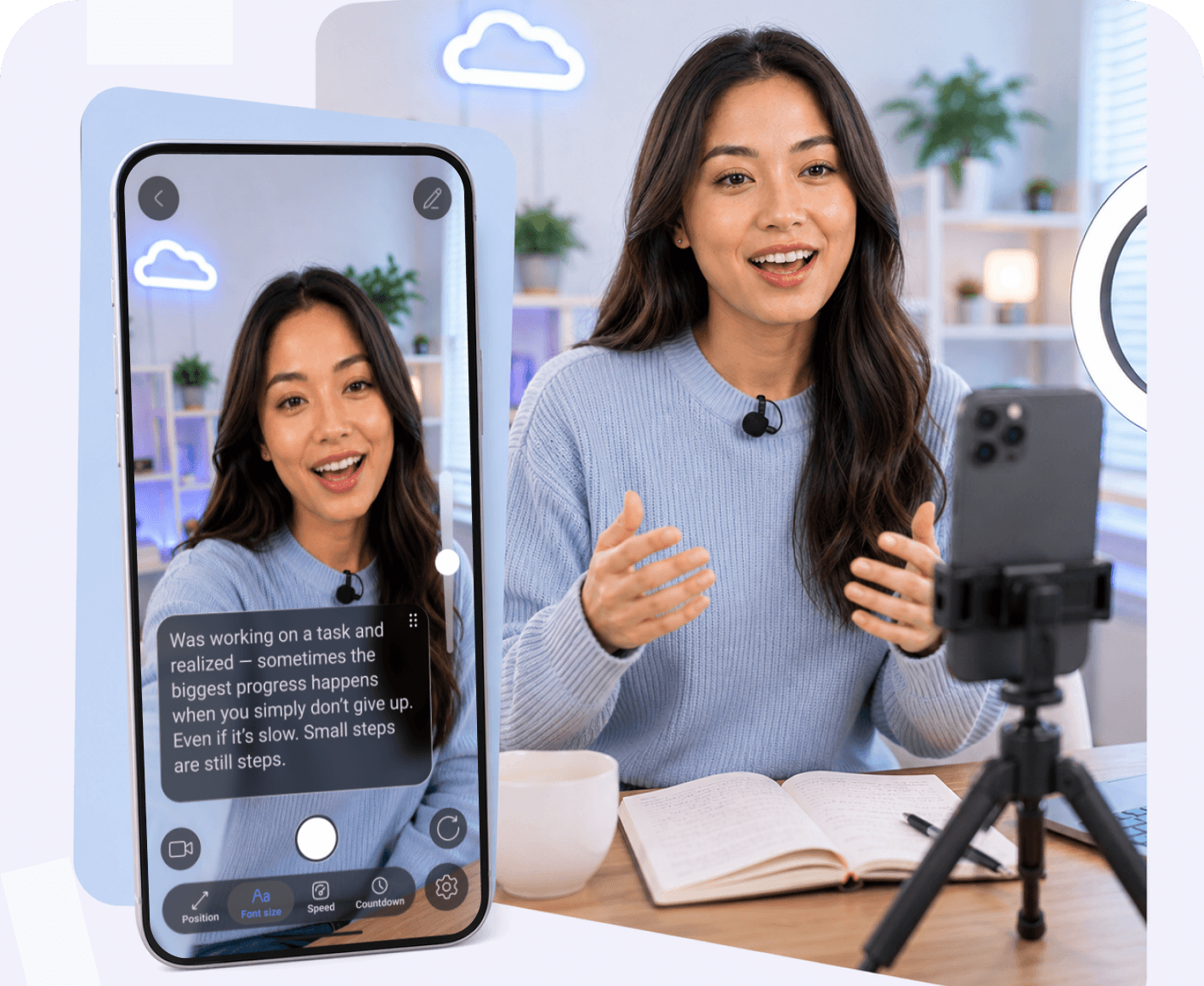
Personalized Sales Videos With aTeleprompter for Speeches ThatGet Replies

Record sales pitches, presentations, client updates, and internal communication faster. Stay on message while sounding confident and professional on camera.
10,000+ creators
trust Teleprompter
Try Online
or
10,000+ creators
trust Teleprompter

Business Communication Workflow

A professional workflow for sales calls, presentations, webinars, and client communication.
Write Clear Talking Points
Organize presentations, webinars, and sales scripts before important meetings or recordings.
AI Rewrite
Presentation Notes
Script Templates
Present Confidently on Camera
Stay focused during presentations and Zoom calls without forgetting important talking points.
Eye Contact
Auto Scroll
Read Naturally
Communicate More Efficiently
Record updates, webinars, and client videos faster across remote teams and businesses.
Zoom
Meetings
Webinars
Try Online

See How Teams Use Teleprompter for Business Communication

From sales pitches and product demos to internal updates — discover how professionals deliver clearer video messages with fewer retakes.
Rachel Kim
Sales Team Lead
+50% replies
Sales videos became way more effective.
“I send personalized sales videos to potential clients every day, but I used to sound inconsistent because I improvised most of my messaging. With Teleprompter, I can prepare clear scripts, stay focused while recording, and deliver messages confidently without multiple retakes. My outreach now feels more professional and gets significantly better responses.”
Problem: Inconsistent messaging in sales videos
Workflow: Write → Read → Send faster
Result: 50% more client replies
Tools: Mobile App

Jordan Alvarez
Startup Founder
2x faster
Investor updates take half the time now.
“I regularly record product updates and internal company announcements by presenting slides in PowerPoint while using a PowerPoint teleprompter to guide my script. Before, filming used to take much longer because I kept forgetting details or restarting entire sections. Now I can stay on track, present my slides smoothly, and record professional updates much faster without sounding overly scripted.”
Problem: Slow recording process for business updates
Workflow: Script → Record → Share instantly
Result: 2x faster communication
Tools: App for Macbook, Mobile App
Priya Nair
Marketing Expert
100% on-message
I finally sound clear in every pitch.
“I create video proposals and client presentations for different brands, and before using Teleprompter I often lost focus or missed important talking points during recordings. Now I can follow my script naturally while keeping eye contact with the camera, which makes every presentation feel more polished, confident, and consistent.”
Problem: Missing key points during presentations
Workflow: Plan → Read → Record remotely
Result: Fully on-message delivery
Tools: Mobile App

FAQ

Got more questions? Reach out to us here
Can Teleprompter help with both quick social videos and longer professional recordings?
Yes — Teleprompter is designed for different recording styles. You can use it for fast TikToks, Reels, Stories, and UGC videos, or for longer YouTube content, courses, presentations, podcasts, interviews, and studio productions.
What types of creators and businesses use Teleprompter?
Teleprompter is used by social media creators, real estate agents, educators, coaches, marketers, sales teams, podcasters, and professional studios. It helps anyone record clearer videos while staying focused on their message.
How does the AI Script Writer help with content creation?
The AI Script Writer helps turn rough ideas into structured scripts in seconds. You can generate new content, rewrite awkward sentences, shorten scripts for short-form videos, or expand ideas for longer recordings and presentations.
Can I record videos without memorizing my script?
Yes. Teleprompter keeps your script in front of you while recording, so you can stay natural on camera without forgetting key points or losing your train of thought.
Is Teleprompter useful for product demos, walkthroughs, and educational videos?
Absolutely. Many creators use it for property walkthroughs, tutorials, explainer videos, onboarding content, sales demos, online lessons, and product launches where clear delivery is important.
Can I use Teleprompter in a professional studio setup?
Yes — Teleprompter works both for simple phone recordings and professional productions. You can use it with teleprompter rigs, external cameras, podcasts, interviews, and studio environments.
Will my videos still feel natural if I’m reading a script?
That’s the goal. Teleprompter helps you maintain eye contact, speak more confidently, and deliver structured content without sounding robotic or overly scripted.
Can Teleprompter help me record content faster?
Yes. Many creators use Teleprompter to reduce retakes, stay organized while filming, and create more videos in less time — especially for recurring social content, YouTube production, and business communication.
Continue to Teleprompter
Sign in to save your progress and unlock recording, AI tools, and more.
Continue with Email
Your message has been sent
Thanks for reaching out! Our support team will get back to you as soon as possible.
Back to form
Oops! Something went wrong while submitting the form.
or
Enter security code
We’ve sent a code to your@email.com. Enter it below to continue. Didn’t get it? Check your spam folder. Codes are only sent to registered accounts.
Resend  in 30 sec
Thank you! Your submission has been received!
Oops! Something went wrong while submitting the form.
Authorization successful
Your account is ready. Let’s get started.
Opening your plan