I used to spend so much time trying to memorize scripts before recording. With Teleprompter, I can just focus on speaking naturally and filming content faster. It made creating Reels or TikToks way less stressful, especially when I need to batch multiple videos in one day.
Chris Moreno
Huge time saver
I record sales and marketing videos almost every day, and Teleprompter helped me cut recording time in half. I do fewer retakes, stay on script, and feel much more confident while presenting.
Maya Chen
Super smooth workflow
The remote control feature completely changed the way we record podcasts and interviews in our studio. Everything feels smoother now, and I don’t lose focus trying to remember talking points while speaking on camera.
Alex Mercer
Better long videos
Recording long-form YouTube videos became much easier because I no longer lose track of what I want to say. My tutorials feel more structured now, and I sound way more confident on camera.
Chris Moreno
Huge time saver
I record sales and marketing videos almost every day, and Teleprompter helped me cut recording time in half. I do fewer retakes, stay on script, and feel much more confident while presenting.
Sophie Alvarez
Very easy setup
I’m not very technical, so I was surprised by how simple everything felt from the beginning. I opened the app, added my script, and started recording within minutes without needing any complicated setup.
Marcus Hale
Natural on camera
Before using Teleprompter, I constantly looked away from the camera to check notes. Now I maintain eye contact naturally while still following my script, which makes my videos feel much more professional.
Noah BennettKeller
Great for teams
Our marketing team uses teleprompter for internal updates, product videos, and client presentations. It helps everyone stay consistent on camera and makes recording content much faster across the whole team.
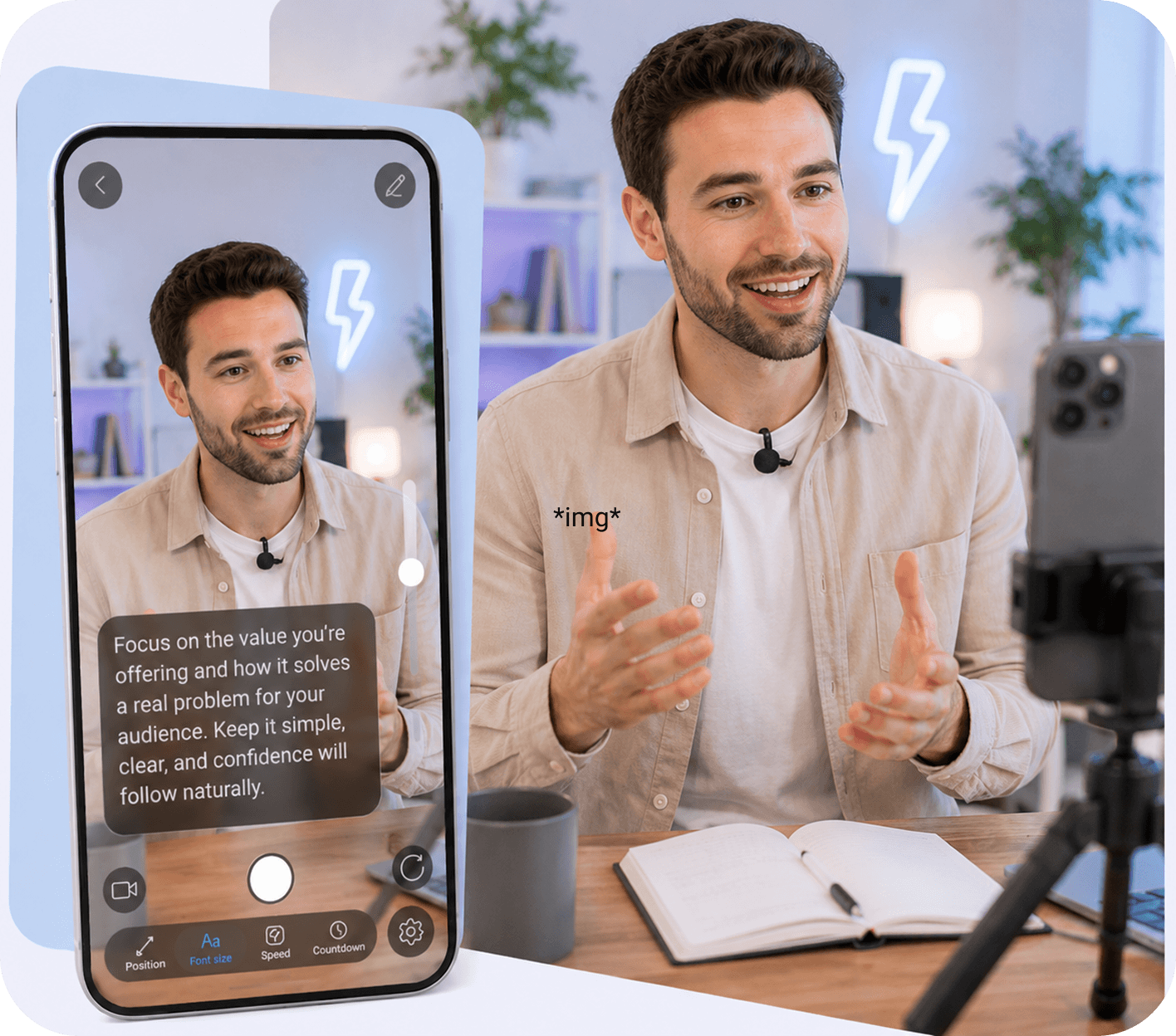
The Online Teleprompter lets you paste or write your script directly in the browser and read it while recording. Your text scrolls smoothly on screen, helping you stay focused and speak naturally without memorizing every line.
Can I adjust the scrolling speed while recording?
Yes. You can control the scrolling speed at any time to match your natural speaking pace. This makes it easier to stay comfortable on camera and avoid rushing or pausing between sentences.
Do I need to download or install anything?
No installation is required. The Online Teleprompter works directly in your browser, so you can start writing, editing, and recording immediately from your laptop or desktop.
What types of videos can I create with the web version?
You can use it for TikToks, Reels, YouTube videos, tutorials, presentations, product demos, online courses, interviews, sales videos, and more. It works for both quick content and longer recordings.
Does the Online Teleprompter help improve eye contact?
Yes. By keeping your script close to the camera area, the teleprompter helps you maintain more natural eye contact while speaking, making your videos feel more confident and engaging.
What is AI Rewriter and how does it help?
AI Rewriter helps turn rough ideas into clearer, more natural scripts. You can quickly rewrite sentences, improve flow, shorten long paragraphs, or make your content sound more polished before recording.
You're on the list 🎉
We’ll notify you as soon as the web version is ready.
Don’t wait — start creating today
Use our mobile app to write, read, and record your videos right now.
Teleprompter
Download our Teleprompter app for iOS or Android free: