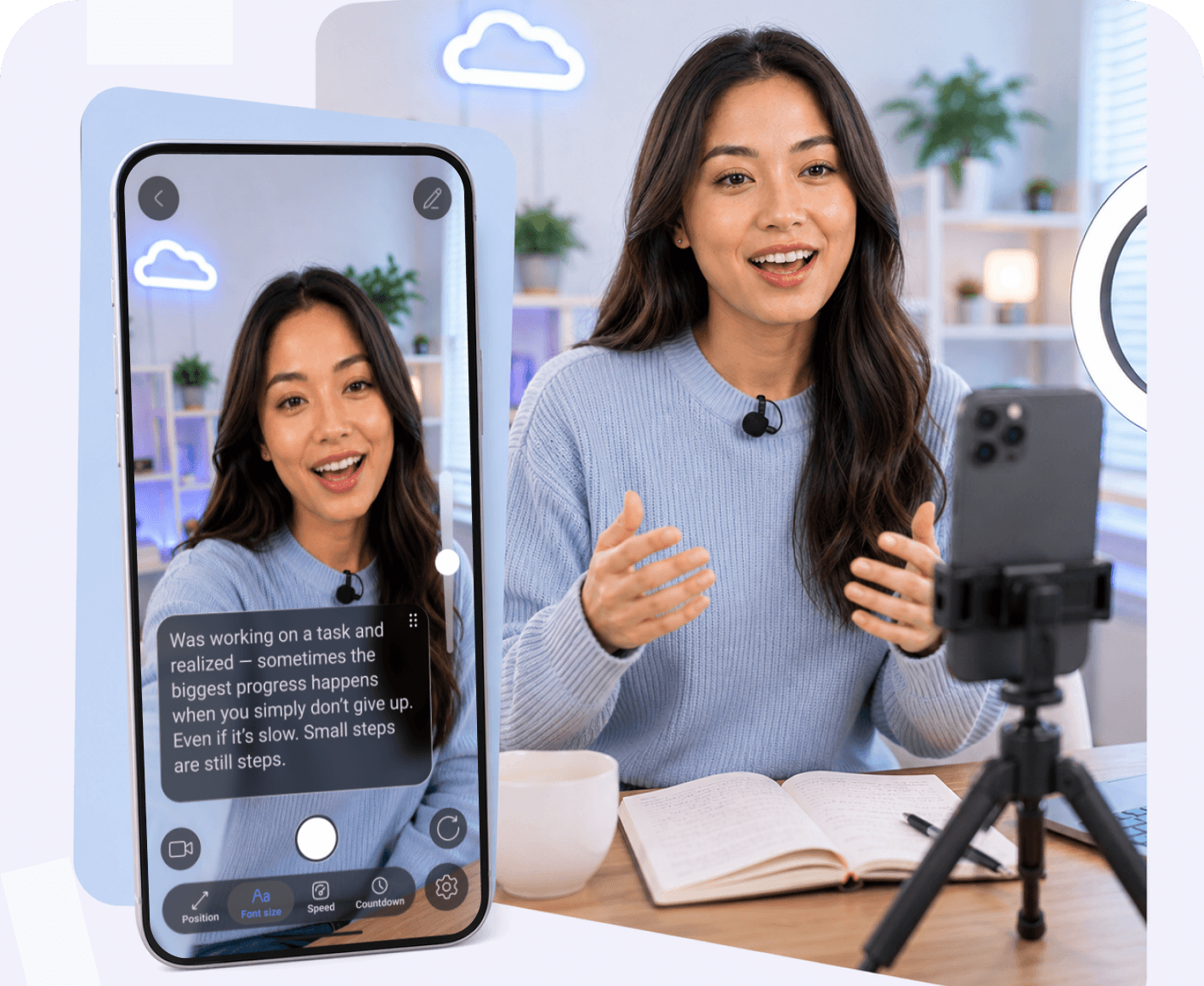
Key Features to Look For in a Pro Teleprompter
The best teleprompter apps do much more than display scrolling text. They simplify recording, improve script delivery, and help creators produce professional videos with fewer interruptions. Here are the features that make the biggest difference in everyday use.
• Hands-Free Remote Control Support
A remote control teleprompter lets you start, pause, and control script scrolling without touching your recording device. This is especially valuable for solo creators, allowing you to stay in position, maintain eye contact, and keep recording without interrupting your workflow.
• Smooth and Adjustable Script Scrolling
Every presenter has a different speaking pace, so your teleprompter should adapt to you, not the other way around. Features like adjustable scroll speed and voice activated scrolling help you speak naturally, stay on script, and make recording more comfortable.
• Eye Contact Optimization for Natural On-Camera Presence
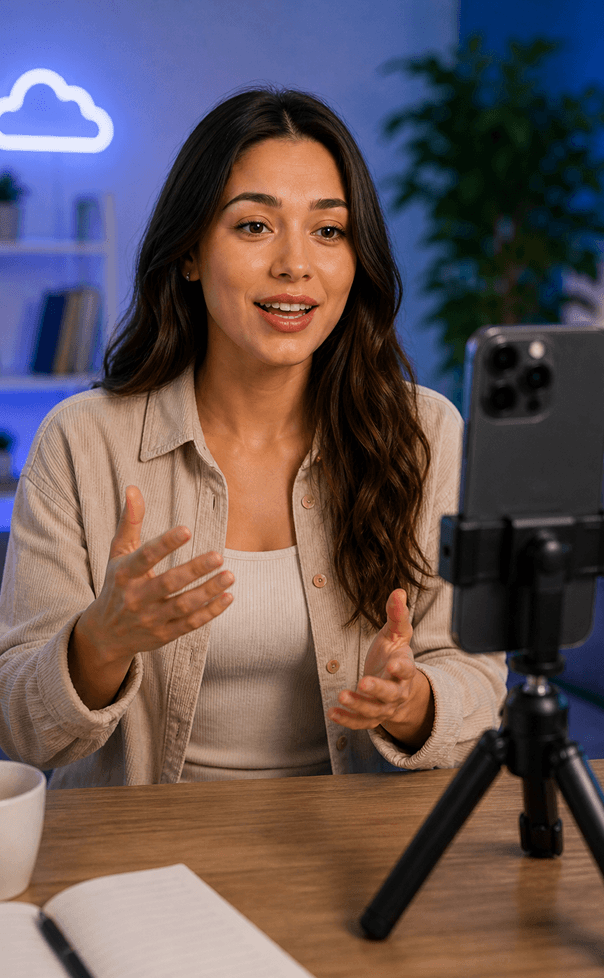
Looking directly at the camera helps build trust and keeps viewers engaged. Lens-aligned text placement, combined with AI eye contact technology, helps correct small gaze deviations so your videos appear more natural and professional.
• Mirroring Mode
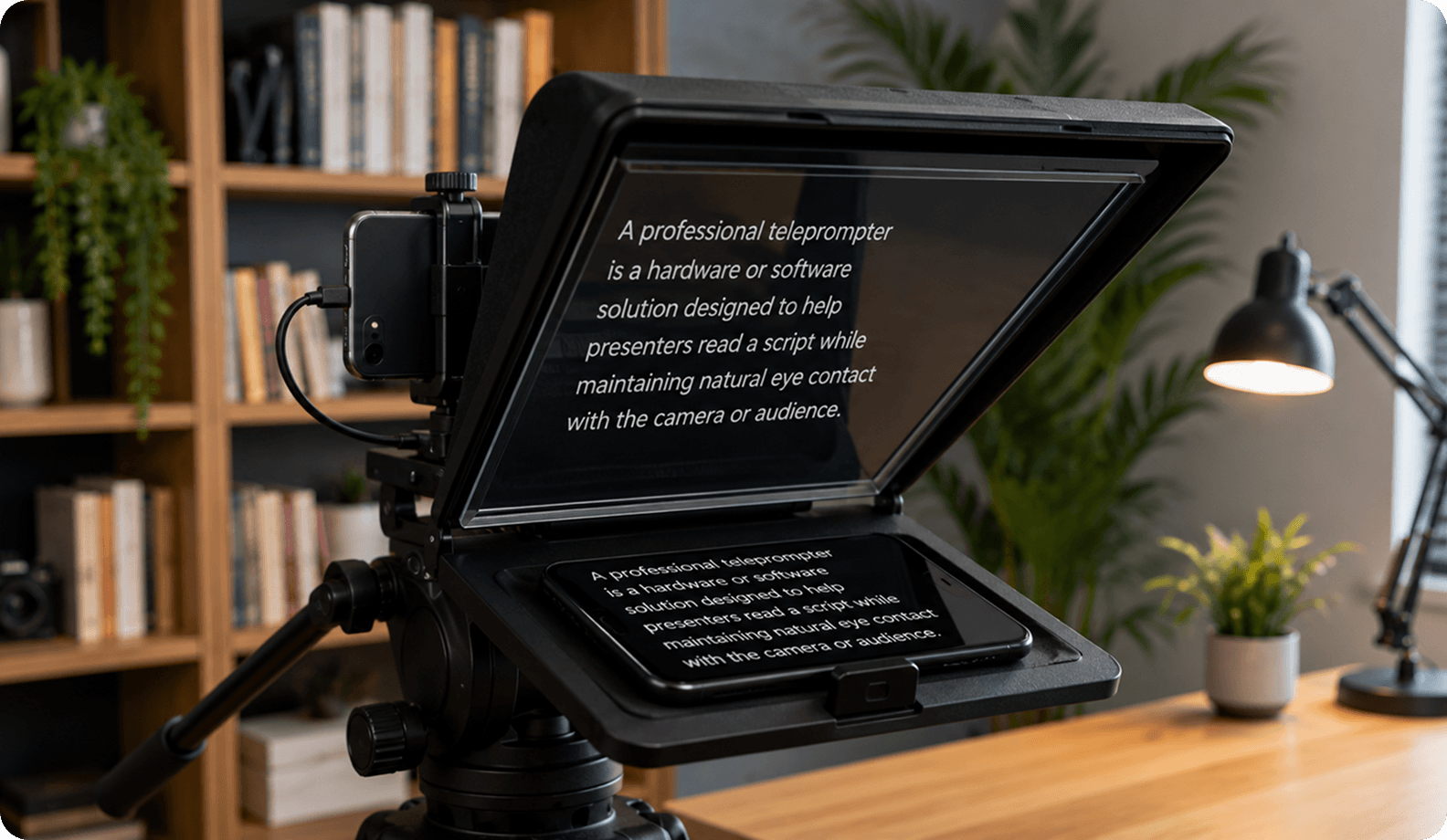
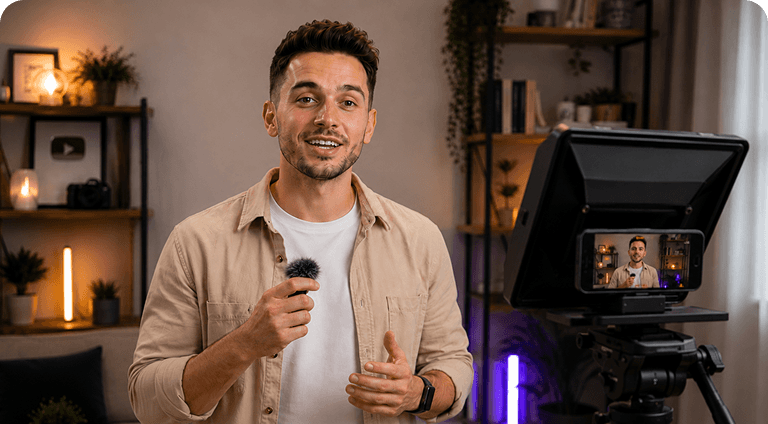
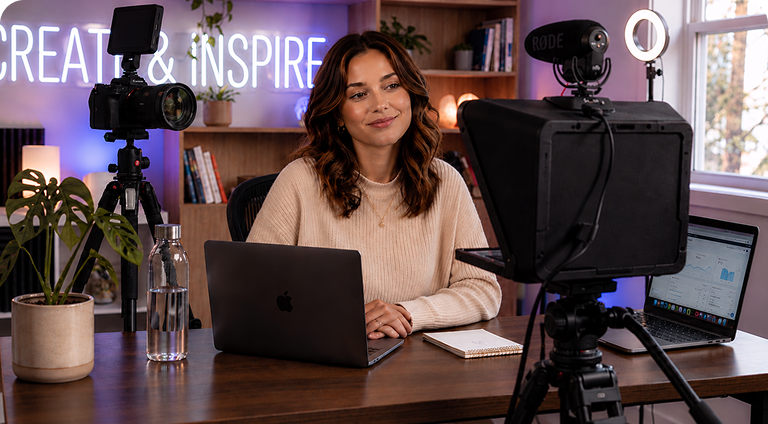
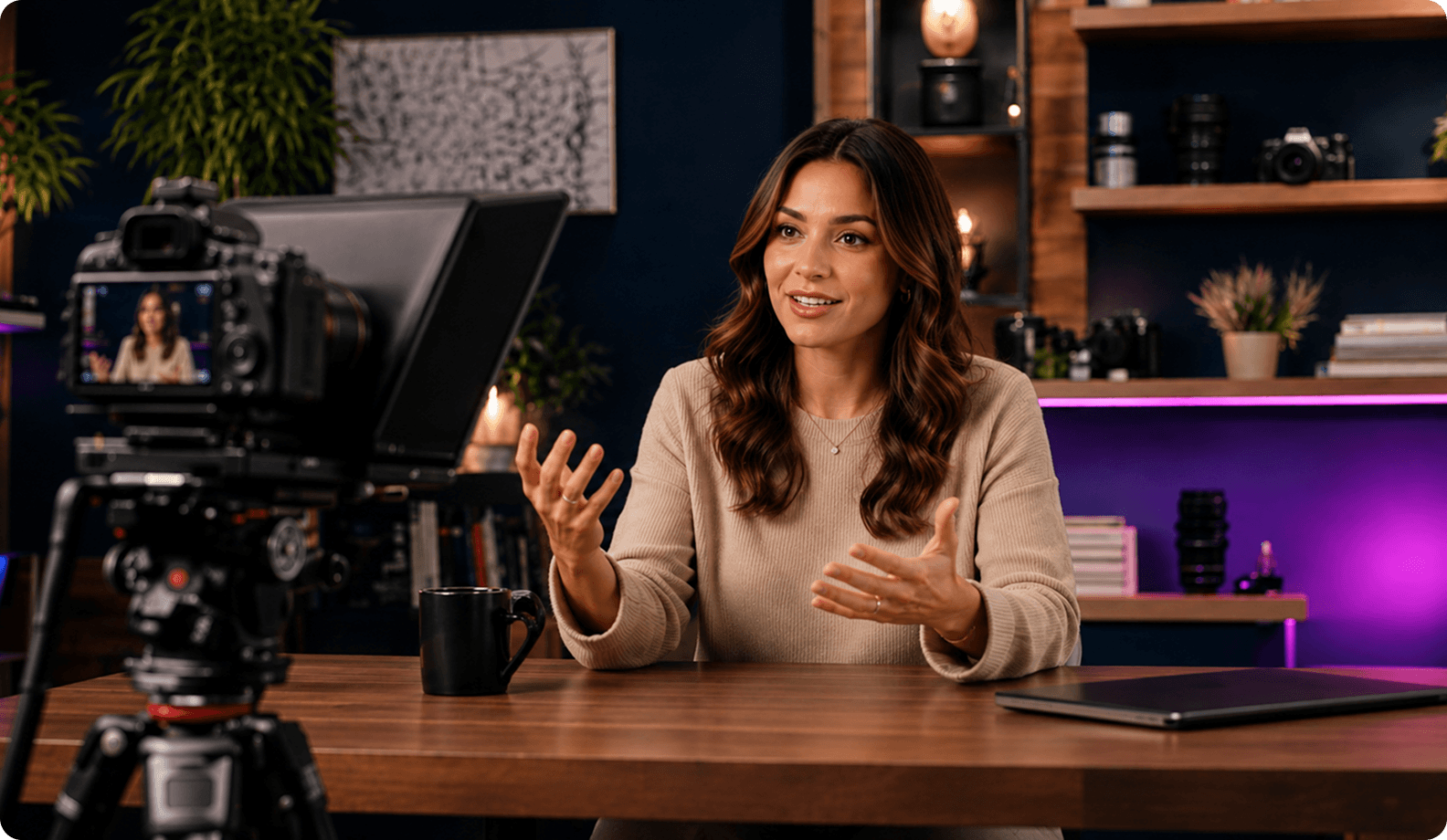
Mirror mode is a must-have feature for anyone using a physical teleprompter. Since beam-splitter glass reflects the screen, the script must be displayed in reverse so it appears readable while recording. Built-in mirror mode flips the text instantly, eliminating the need for third-party software or manual display settings. This simplifies the setup process, ensures the script is always displayed correctly.
• Script Management and Quick Editing
Managing multiple scripts becomes much easier when everything is stored in one place. A professional teleprompter app should let you organize scripts into folders, make quick edits, and keep changes synchronized across devices, so the latest version is always ready to use. Instead of switching between documents or copying text, you can update your script directly in the app and start filming immediately.
• Device Compatibility (Phone, Desktop, Webcam)
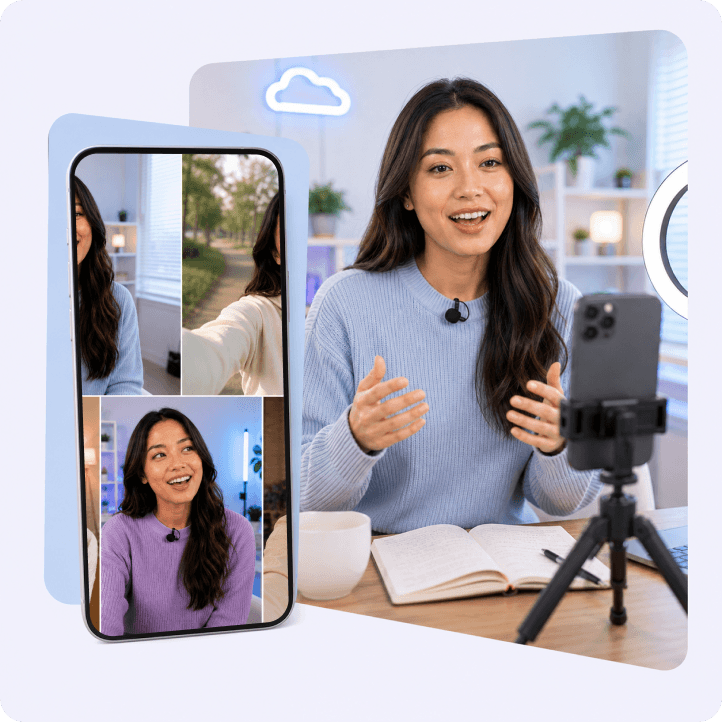
A modern teleprompter app should support the devices you already use, including smartphones, tablets, desktop computers, and webcam teleprompter setups. Cross-platform compatibility allows you to write a script on one device and record on another without changing your workflow.



.webp)