How to Look Confident on Camera: A Guide to Clear and Professional Video Communication

Mark Nair
12 min read
16 May, 2026
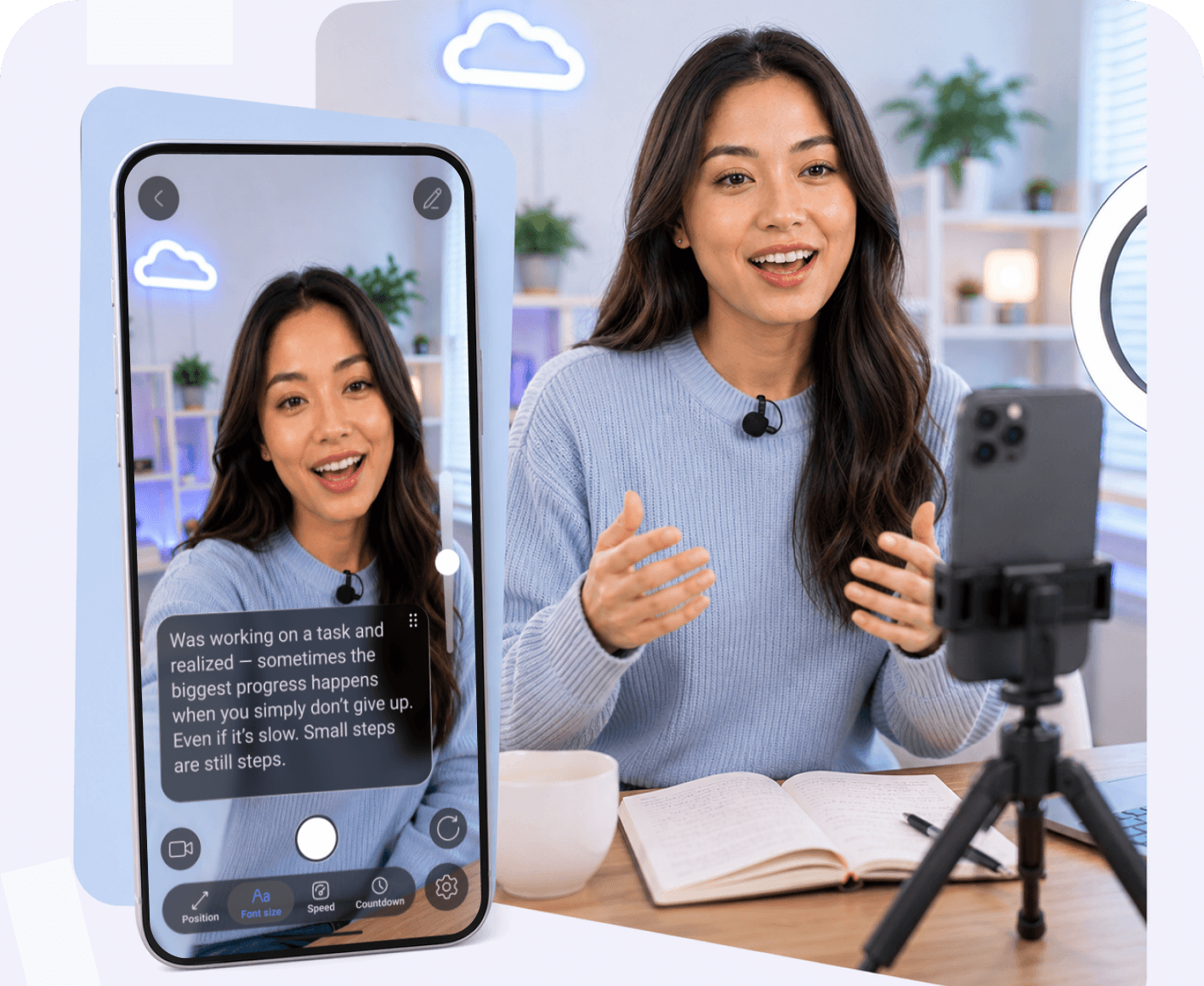
Stepping in front of a lens to record video can feel intimidating, especially when striving to deliver a polished, engaging message. Whether you are creating content for YouTube, recording online courses, or filming social media reels, learning how to speak with confidence and look natural on camera transforms your delivery. By combining effective communication techniques with modern tools like a best prompter app, you can record without memorizing and achieve flawless video recordings every time.
Reviewed by
Teleprompter app Team
This article was reviewed by our content and product team to ensure accuracy, clarity, and practical value for creators, educators, and professionals recording videos with teleprompter tools.

How to Speak Clearly and Confidently on Camera

Developing a strong on-camera presence starts with mastering your delivery rhythm and verbal clarity. When you control your pace and structure your thoughts, you project authority and keep your viewers hooked from start to finish.

• Slow Down and Control Your Speaking Pace
Speaking too quickly is one of the most common recording mistakes. Slowing down gives you more time to pronounce words clearly, maintain a steady rhythm, and emphasize important points. If you're using a teleprompter, adjust the scroll speed to match your natural pace instead of trying to keep up with the text.

• Structure Your Message Before Recording
A well-structured script is easier to follow and easier to deliver. Organize your content into a clear introduction, main points, and conclusion so each idea flows naturally into the next. This helps you stay on script, keeps your message focused, and reduces unnecessary pauses or repeated takes.

• Practice Speaking Instead of Memorizing
Memorizing a script word for word often makes your delivery sound rehearsed. A better approach is to become familiar with the key ideas and let the teleprompter app guide you through the script. This allows you to speak naturally, maintain eye contact, and record with confidence without worrying about forgetting the next line.

How to Improve Your On-Camera Communication Skills

Refining your video communication is an ongoing process that involves fine-tuning your sentence structure, non-verbal cues, and self-review habits.

• Learn to Speak in Short, Clear Sentences
Complex, run-on sentences are difficult to deliver smoothly on camera. Breaking your thoughts into concise, digestible sentences helps you pitch with confidence and maintain high energy.

• Use Body Language to Support Your Message
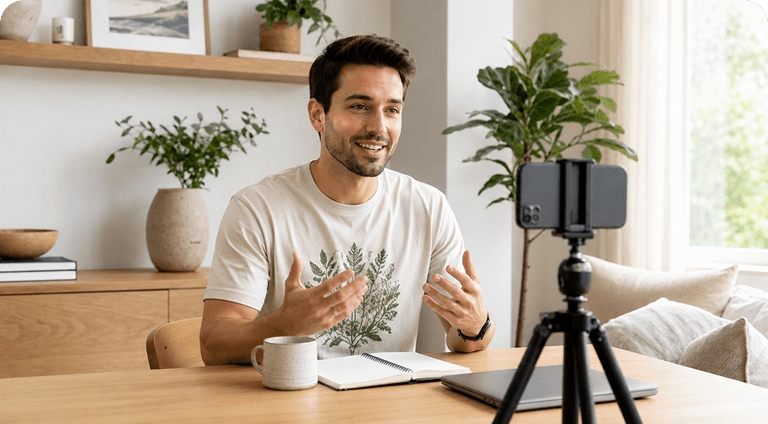
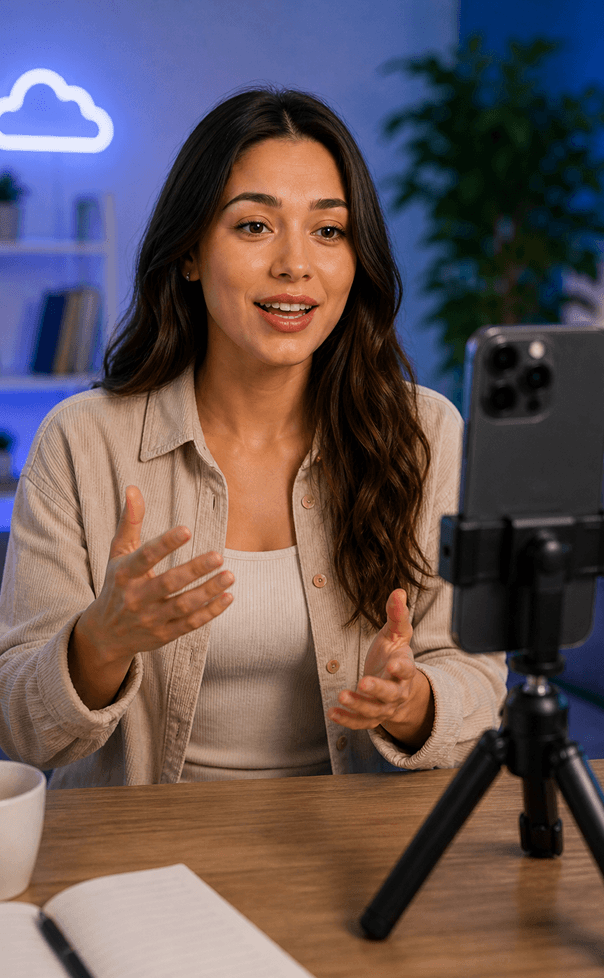
Open posture, natural hand gestures, and expressive facial movements reinforce your verbal message, making your professional videos feel warm and conversational rather than stiff.

• Record Yourself Regularly and Review Your Delivery
Reviewing your recorded footage helps identify filler words, awkward pauses, and pacing issues, allowing you to improve progressively with every session.

One Teleprompter — Every Device

Access your scripts across all devices with one account
Try Online
or

How to Sound Natural and Professional in Front of the Camera

Authenticity is key to building trust with your audience. Professional communication isn't about perfection; it's about genuine connection.

• Focus on Talking to One Person
Visualize a single friend or ideal viewer sitting on the other side of the lens. This mindset shift instantly warms up your tone and helps you stay focused on the camera.

• Don’t Try to Sound Perfect
Chasing absolute perfection creates performance anxiety. Embracing minor imperfections makes you relatable and allows you to reduce retakes significantly.

• Prepare Key Points Instead of Full Scripts
Using bulleted key points or utilizing a video recording teleprompter app with rolling text gives you structural freedom without feeling constrained by dense blocks of text.

How a Teleprompter App Can Help You Improve On-Camera Confidence

Integrating specialized software into your workflow bridges the gap between structured scripting and natural performance.

• Adjustable Scrolling Speed Helps You Speak Naturally
Adjustable scroll speed lets the script match your speaking pace instead of forcing you to speed up or slow down. This results in a smoother delivery and fewer mistakes while recording.

• Organize Scripts and Video Projects More Efficiently
A good teleprompter app keeps scripts organized in one place, making them easy to edit, categorize, and access across your mobile teleprompter and desktop teleprompter.

• Remote Control and Mirror Mode Create a More Professional Recording Setup
Remote control teleprompter support lets you control playback without touching the screen, while mirror mode displays the script correctly on beam-splitter glass. Together, these features simplify recording with physical teleprompter hardware.

• Enhance Eye Contact Makes You Look More Confident
Displaying the script close to the camera lens helps you maintain eye contact throughout the recording. Some apps also include AI eye contact to correct minor gaze deviations during post-production.

• Captions and Fast Social Media Publishing Save Time
Built-in automatic captions and AI captions eliminate the need to create subtitles manually, making it faster to edit and publish videos across multiple platforms.

Watch Teleprompter in Action

Follow this gentle routine designed for seniors to improve balance, flexibility, and relaxation.

FAQ

Got more questions? Reach out to us here
How does a teleprompter app help you look more confident on camera?
By keeping your script positioned right by the lens, a teleprompter app lets you maintain eye contact and never forget a line, eliminating panic and awkward pauses.
Do professional creators use teleprompter apps?
Yes, professional YouTubers, educators, and marketers rely on a video teleprompter or teleprompter app for video recording to produce high-quality, polished content efficiently.
What features should a professional teleprompter app include?
Essential features include adjustable scroll speed, remote control teleprompter support, mirror mode, AI script generator tools, and cross-device sync.
Can I use a teleprompter app with a physical teleprompter setup?
Absolutely. Whether you use an ipad teleprompter app, teleprompter for macbook air, or android autocue app, activating mirror mode flips text perfectly for physical glass rigs.
Do teleprompter apps help reduce recording time?
Significantly. By allowing you to record without memorizing and helping you reduce retakes, recording sessions become fast and streamlined.
Can teleprompter apps help with social media content creation?
Yes, tools offering an online teleprompter free, free online autocue, or automatic captions make creating engaging short-form and long-form social media videos effortless.
Continue to Teleprompter
Sign in to save your progress and unlock recording, AI tools, and more.
Continue with Email
Your message has been sent
Thanks for reaching out! Our support team will get back to you as soon as possible.
Back to form
Oops! Something went wrong while submitting the form.
or
Enter security code
We’ve sent a code to your@email.com. Enter it below to continue. Didn’t get it? Check your spam folder. Codes are only sent to registered accounts.
Resend  in 30 sec
Thank you! Your submission has been received!
Oops! Something went wrong while submitting the form.
Authorization successful
Your account is ready. Let’s get started.
Opening your plan